 Lesson 6: Upload content, illustrate and publish
Once you have your story drafted, edited and ready to post:
- copy the content from your writing tool
- create a new post in your blog site
- paste the content and give it a title
- add one or two themed images to illustrate
- preview
- publish
Watch this short video to see how to publish a post in Blogger.
Posting your Family History Story in Blogger
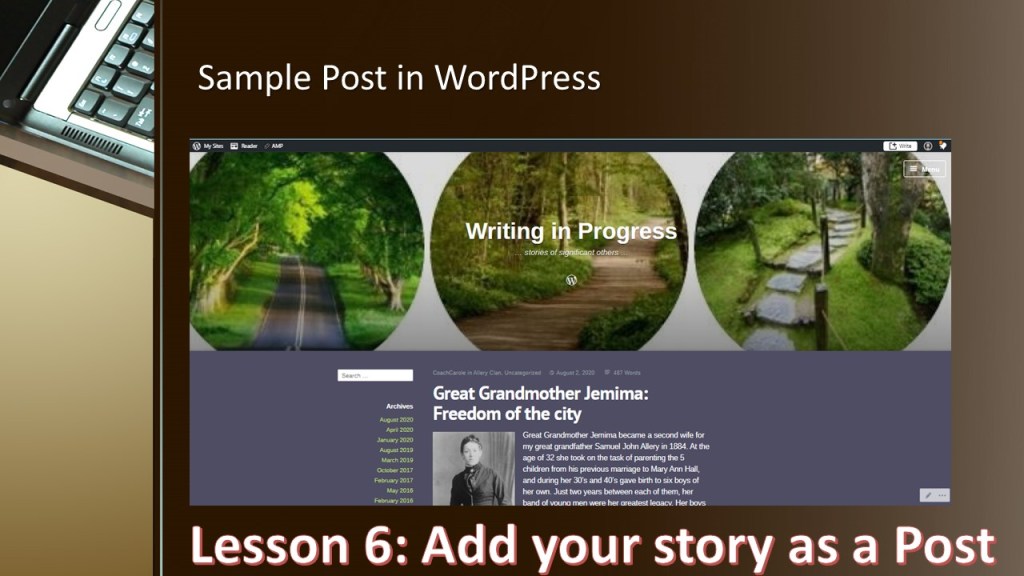
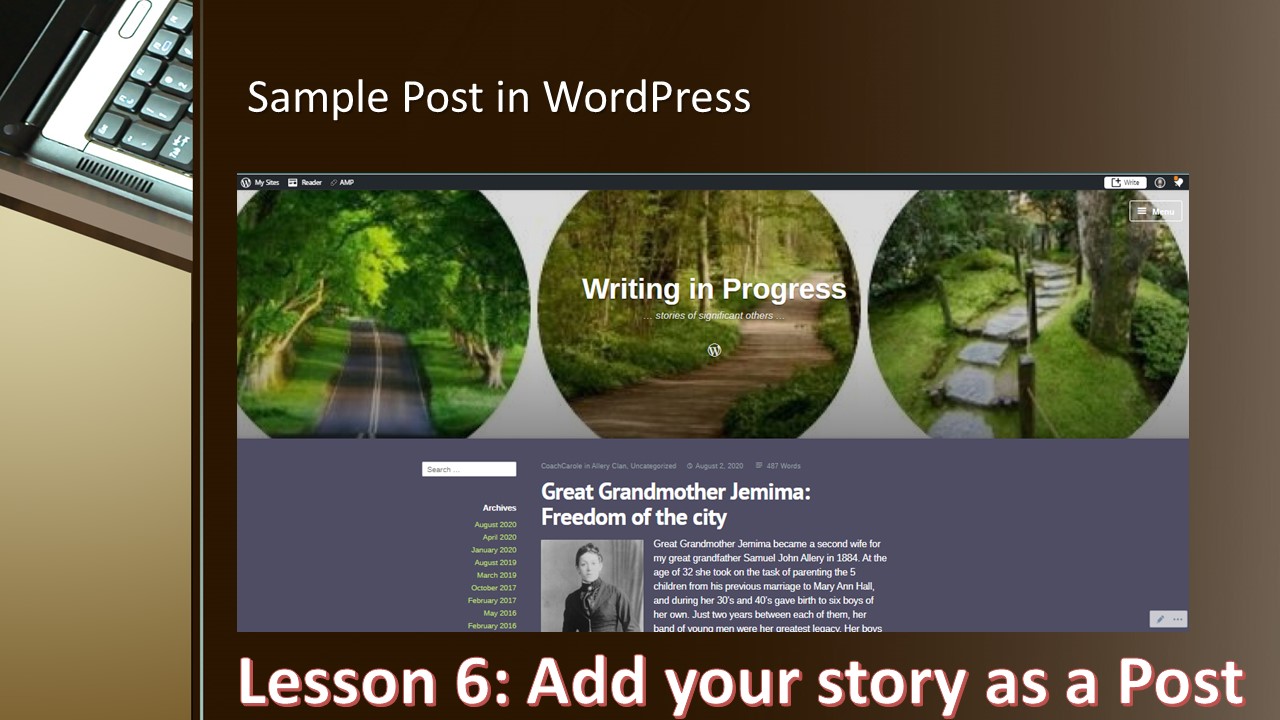
In the free course Blogging in the Past Lane I have included a second video tutorial showing you how to Post your Family History Story in WordPress.
Of course there is still quite a lot of learning for successful family history blogging. I learn so much from others who write up their family stories and post in blogs accessible by the public. You may wish to explore some of these from Top 100 Genealogy Blogs.
The next steps in learning what to blog about, what stories to tell, how to engage your audience and how to promote your family history blog is my next focus. Come back soon to view the next steps.


2 responses to “Post your Blog Stories”
Thanks Carole useful tips!
LikeLike
Thanks Lesley, aiming to keep it super simple.
LikeLike